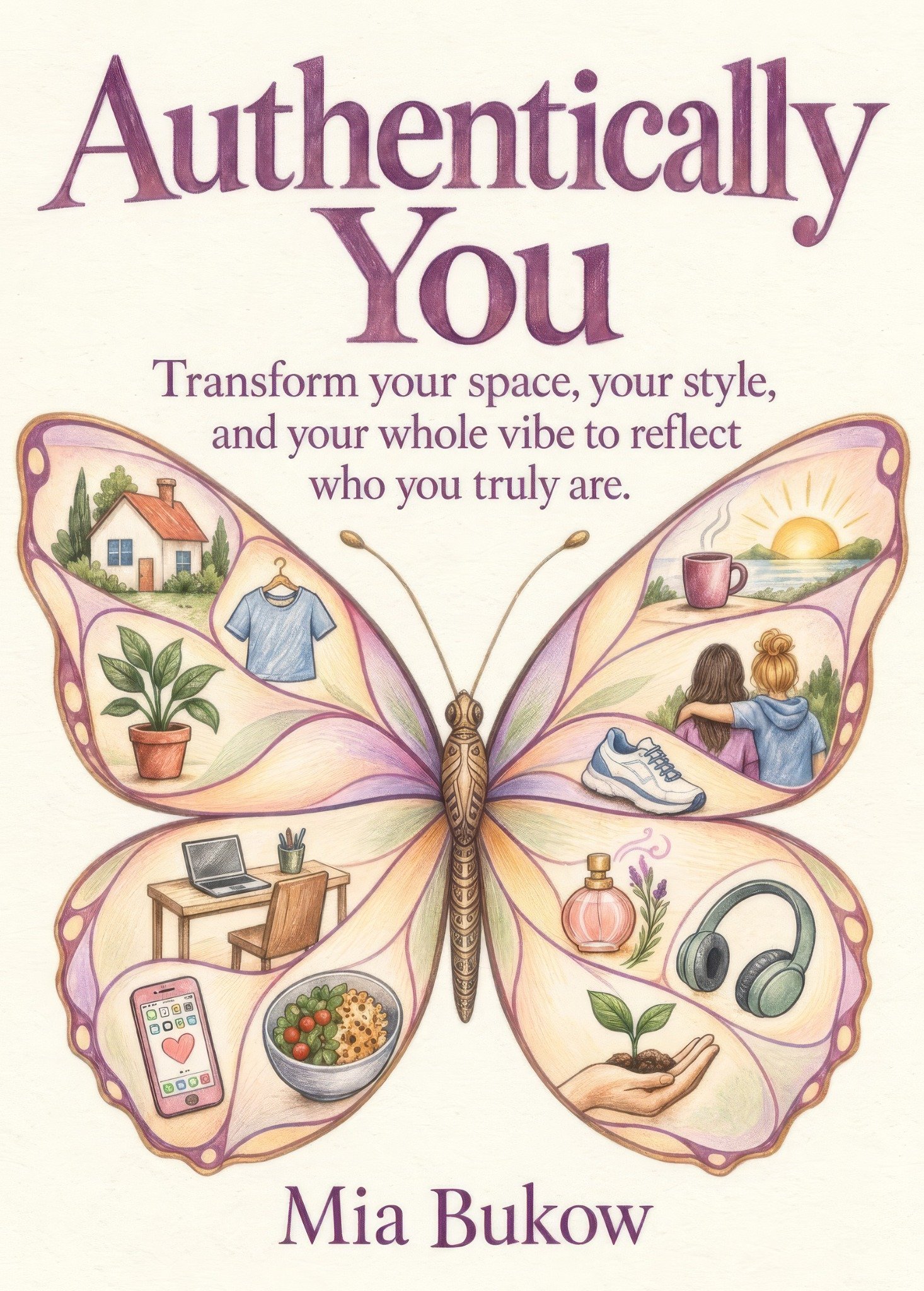
Authentically You by Mia Bukow: a cream cover with an illustrated butterfly

Free, three ways

Read Authentically You

Transform your space, your style, and your whole vibe to reflect who you truly are. By Mia Bukow.

Read online opens the Introduction and the first three chapters in your browser, with nothing to download. The PDF and the EPUB hold the whole book, about 12 MB each. No purchase and no email address required.

Read in Apple Books or Amazon Kindle

Choose the EPUB download above to read with adjustable text size, bookmarks, and your saved reading position. Both apps can remember where you left off.

For iPhone, iPad, and Mac

Apple Books

  1. Tap Download the EPUB and save the file.
  2. On iPhone or iPad, open the EPUB from Files, then use Share → Books if it does not open in Books automatically. On a Mac, open the EPUB with the Books app.
  3. Open the book in Apple Books. To bookmark an important passage, tap the page, open the reading Menu, and select the bookmark ribbon.
  4. Find saved places under Menu → Bookmarks & Highlights → Bookmarks.

Apple Books also saves your current reading position automatically.

For Kindle app and Kindle devices

Amazon Kindle

  1. Tap Download the EPUB and save it.
  2. Open amazon.com/sendtokindle, sign in to your Amazon account, and upload the EPUB.
  3. Choose Add to your library if shown, send the file, then open the book in your Kindle app or device after processing.
  4. While reading, tap near the top of a page to reveal the controls. Use the bookmark icon to save the page and the bookmark list to return to it. The exact controls vary by device.

Send to Kindle adds a personal document to your library; it does not publish the book for sale.